
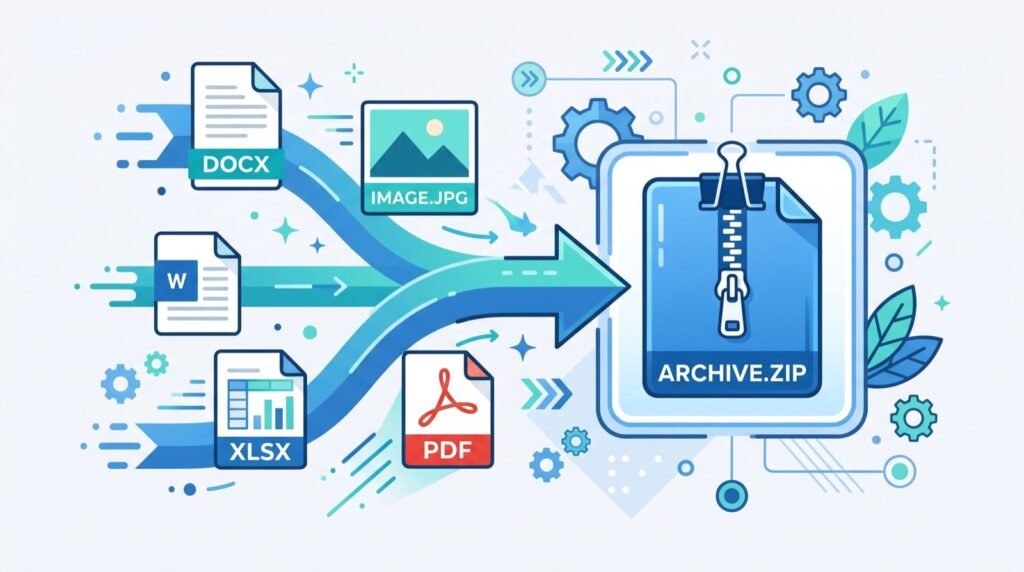
Online HTML Minifier Tool: Speed Up Your Site in 2026
Every extra kilobyte of markup you ship slows the first paint of your page. An online HTML minifier tool strips the dead weight out of your code in seconds, so visitors see content faster and search engines reward the speed. In 2026, with Core Web Vitals baked into ranking, trimming your HTML is no longer a nice-to-have. It is table stakes for anyone who ships a web page.
I have spent years cleaning up front-end builds for small agencies, and the same pattern shows up again and again. Developers obsess over image compression and lazy loading, then serve 180 KB of hand-written HTML stuffed with comments, blank lines, and redundant whitespace. Minification fixes that in one pass, and the payoff is immediate.
What an Online HTML Minifier Tool Actually Does
Minification removes characters that a browser ignores but a human needs. The parser does not care about your tidy indentation or the comment reminding you why a div exists. A good minifier deletes all of it while leaving the rendered output byte-for-byte identical.
Here is what gets stripped in a typical pass:
- Whitespace and line breaks between tags that do not affect layout.
- HTML comments that never reach the user anyway.
- Redundant attributes such as
type="text/javascript"on script tags. - Optional closing tags that the HTML spec lets you omit.
- Extra quotes around attribute values that do not need them.
The result is leaner source that transfers faster over the wire, especially on mobile connections where every round trip costs real time. For a quick, no-install cleanup you can paste your markup into an online HTML minifier tool and copy the compressed output straight back into your build.
Why minified HTML helps SEO in 2026
Google measures real-user loading metrics through the Chrome User Experience Report. Smaller HTML lowers your Largest Contentful Paint and your time to first byte, two signals the engine watches closely. The official guidance on these metrics lives at web.dev Core Web Vitals, and it makes the connection between payload size and ranking explicit.
Minified vs Unminified HTML: A Side-by-Side Comparison
The savings sound abstract until you see the numbers. The table below reflects a typical content page I audited this year, before and after a single minification pass.
| Metric | Unminified | Minified |
|---|---|---|
| File size | 184 KB | 121 KB |
| Gzipped transfer | 31 KB | 22 KB |
| Comments retained | Yes | None |
| Render output | Identical | Identical |
| LCP on 4G | 2.9 s | 2.3 s |
A 34% drop in raw size and a 0.6 second improvement in LCP came from pressing one button. Stack that on top of gzip or Brotli, and the compounding gains move you from the yellow band into the green on a PageSpeed report.
Keep a readable source of truth
Never edit the minified file by hand. Keep your formatted HTML in version control as the source of truth, and treat minification as a build step. That way your team edits readable code while your users receive the compressed version. Automating the step means nobody forgets it before a deploy.
How Do You Minify HTML Without Breaking Your Page?
Breakage usually comes from over-aggressive settings, not from minification itself. Preserve the tags and whitespace that carry meaning, especially inside <pre> and <textarea> blocks where spacing is significant. Follow these steps for a safe pass:
- Back up the original. Commit your formatted source before you touch anything.
- Run the minifier. Paste the markup and collapse whitespace and comments.
- Diff the rendered output. Load both versions and confirm they look identical.
- Check interactive elements. Test forms, dropdowns, and any inline scripts.
- Automate for next time. Wire the step into your build so it runs on every release.
Content teams who outsource their builds should insist on this discipline from their vendors. The best quality service providers treat minification as a standard deliverable, not an upsell.
Pair minification with a clean content pipeline
Minifying is one half of a tidy workflow. The other half is authoring in a portable format and converting on demand. Writers who draft in plain text can run their copy through an HTML to markdown converter to pull clean prose out of messy exported pages, then regenerate minified HTML for publishing. That round trip keeps your repository lean and your editors happy.
Common Mistakes That Undo Your Savings
Teams often minify the HTML, then blow the budget elsewhere. Watch for these traps that quietly erase your gains:
- Shipping uncompressed inline CSS that dwarfs the minified markup.
- Leaving render-blocking scripts in the head after the trimming.
- Forgetting to enable gzip or Brotli on the server, which multiplies minification savings.
- Re-introducing comments during a hotfix and never re-running the tool.
Treat your page weight as a budget. The reference guidance from MDN Web Performance recommends setting explicit size limits per page type and failing the build when you exceed them. That discipline keeps a one-time win from eroding over months of edits.
Measuring the Real Impact After You Minify
Minification only matters if you can prove it moved the needle. Capture a baseline before you change anything, then measure the same page after your build ships the compressed markup. I run every candidate page through a lab tool first and field data second, because the two tell different stories.
The metrics I watch most closely are time to first byte, Largest Contentful Paint, and total transferred bytes. A smaller HTML document improves all three, but the effect compounds on slow networks and low-end phones where parsing and transfer costs dominate. On a flagship device over fibre you may barely notice; on a budget handset over 3G, the same saving can shave a full second off the load.
Document the numbers in a simple before-and-after log for each template. When a stakeholder asks whether the optimization was worth it, you hand them hard data instead of a hunch. That evidence also makes it far easier to win budget for the next performance improvement on your roadmap.
Automate so the win never regresses
A one-time cleanup decays the moment someone pastes a commented snippet into production. Wire minification into continuous integration so it runs on every merge, and add a byte-size budget that fails the build when a page balloons past its limit. Automation turns a fragile manual chore into a guarantee that every release stays lean.
Frequently Asked Questions
Does an online HTML minifier tool change how my page looks?
No. A correct minifier only removes characters the browser ignores, such as whitespace and comments. The rendered output stays byte-for-byte identical while the file transfers faster.
Is minified HTML bad for SEO?
The opposite is true. Smaller markup improves load times and Core Web Vitals, which are positive ranking signals. Search engines read minified HTML exactly as they read formatted HTML.
Should I minify HTML by hand?
Never. Keep a readable, formatted source in version control and let a tool or build step produce the minified version. Editing the compressed file directly invites errors and wasted time.
How much smaller will my HTML get?
It varies with how much whitespace and commenting your source contains, but a 20 to 40 percent reduction before gzip is common. Pairing minification with Brotli compression multiplies the saving further.
Final Thoughts and Next Steps
An online HTML minifier tool is the fastest, cheapest performance upgrade in your kit. It shaves real kilobytes, improves your Core Web Vitals, and costs nothing but a single build step. Keep a readable source in version control, automate the compression, and verify the rendered output every time.
Ready to make your pages faster today? Paste your markup into a minifier, measure the before-and-after in a PageSpeed report, and bake the step into your deployment pipeline so every future release ships lean.